
Symptoms players can notice
Review visible signs and three to six stages. Choose which clues appear in a scene and explain how characters can investigate or interrupt progression.
Give the warning signs a story
Prepare a staged fantasy affliction with visible symptoms, clues, counterplay and cure paths. Adapt an authored dossier and review what your players can learn.

A challenge with clues
Use a shared authored framework to turn an affliction into material you can review and adapt for your campaign.
Review visible signs and three to six stages. Choose which clues appear in a scene and explain how characters can investigate or interrupt progression.
Temporary treatment offers a pause or reduction. Three authored cure paths give you restitution, witness and severance ideas to adapt into a longer challenge.
Read the apparent cause alongside the private cause, beneficiary and cure twist. Review a separate player brief before showing your group clues or leads.
Mechanical intensity changes the suggested guidance. Decide the applicable rules, timing, targets and outcomes yourself; the dossier does not run live effects.

Choose the affliction frame
Set type and severity, then review onset, triggers and the kind of response your campaign needs.
The artwork illustrates fantasy affliction preparation, not an application screen.
From a draft to a table reference
Quick and Deep produce the same complete dossier. Controls frame authored material rather than simulate a condition.
Select one of eight affliction types and four severities. Quick exposes these controls while retaining any current Deep settings.
In Deep, set onset, progression, contagion, triggers, targets, symptoms and mechanical guidance. Add treatment, cure, loophole, relapse, a private cause and setting context.
Read signs, stages, diagnosis clues, treatment, cure paths and complications. Refine a group or edit structured JSON, then check linked and audience sections together.
Manually save notes, tags and the result through your account library. Review the player brief for sharing, or explicitly prepare an eligible reference in Combat PRO.
What the tool provides
Eight capabilities support fantasy preparation, audience review and deliberate account records.
Prepare a personal, family, location or oath-bound curse, fantasy disease, poison, supernatural parasite or magical malady using an authored dossier framework.
Quick shows type and severity. Deep adds onset, progression, contagion, triggers, targets, symptoms, mechanical guidance, treatment, cure and private context.
Severity determines the stage count. Each stage includes a visible sign, progression trigger, counterplay and guidance for the Dungeon Master to adjudicate.
Review clues, temporary relief and three authored cure paths. Keep symptom control distinct from completing a cure, with loopholes, complications and relapse conditions.
Lock or reroll progression, diagnosis, treatment and cure, or complications and relapse. Review linked sections and the audience view after a scoped change.
Edit structured JSON, undo or redo result changes, and review the separate player brief. Copy or download the selected view; print a reviewed player brief.
Manually save dossiers, notes and tags through your DCC session. Search, reopen prior results, duplicate a variant or compare selected summary details.
Choose one eligible stage or exposure reference for an inactive prepared rule and disabled DM prompt. Combat PRO ownership and available prepared capacity are required.
Choose a type and severity
Types describe the affliction frame. Much prose remains shared authored material, including oath and beneficiary themes that need adaptation.
Prepare an individual burden or a family and hereditary frame. Review the target and binding flags; a preset retains settings outside the fields it changes.
Use a bound place, broken promise or bargain as the starting frame. Context and private cause add your campaign details without parsing a whole setting.
Choose these classifications and review the onset and transmission labels. Adapt shared curse-related text as needed; the result does not model biological spread or prescribe treatment.
Prepare a magical frame with three minor, four moderate, five severe or six dire stages. Mechanical intensity is a separate choice, including narrative-only guidance.

A dossier for investigation and recovery
Review diagnosis, temporary relief, several cure paths, loopholes and possible relapse.
This illustration shows fantasy recovery and reference material, not generated application output.
Refine one group at a time
Four refinement groups replace selected sections without reconciling every dependency. Shared passages may remain identical on a reroll.
Refine progression; diagnosis; treatment and cure; or complications and relapse. Progression changes can replace stages and guidance, while other groups keep those sections.
Lock a group to block its corresponding scoped reroll. Generate another affliction creates a full result regardless of locks. The visible seed alone does not repeat a dossier; controls and generation steps also matter.
Each refinement refreshes the player brief from a newly generated draft. Its name or details can differ from retained identity and sections. Check the parameters, signs, stages, cure and player view together.
Use the JSON editor to adapt the material. Undo and redo cover result changes rather than setup, notes, tags or account records. Declared audit statements do not independently analyse your edited prose.
Save, share and prepare deliberately
The draft supplies a structure for review. You decide what fits the setting, what players learn and which rules apply.
Save through your signed-in DCC session with required access. Keep current notes and tags with up to ten prior result snapshots. Earlier notes and tags are not separately versioned. Storage is bounded; there is no autosave or offline-save guarantee.
Search title, type, severity, notes or tags. Open prior results, duplicate a variant or compare five summary fields. Open retains the current form and generation step; review them before regenerating. Fresh workspace preserves saved records.
Copy or download the selected audience view as JSON. Validation checks required structure and specified boundaries, not every disclosure or contradiction. Print a reviewed player brief and check preview; the full DM dossier is hidden by print styling. There is no import control.
Choose an eligible stage or exposure reference. Transfer adds one inactive rule and a disabled DM prompt, subject to ownership and prepared capacity. It carries no full dossier, specific stage mechanics or live effects. Repeated identity and reference are treated as a duplicate, rather than an update.
Choose access for your toolkit
Curse & Affliction Generator is a paid standalone tool. Create a free account first, then review your selection and subscription.
Select Curse & Affliction Generator individually. Creating a free account does not by itself include paid generator access.
Choose a five-generator pack for other eligible standalone tools alongside this one. It provides selection capacity, not automatic access to every VISINVOKE product.
Review larger selected-generator packs in your account. Check the generators, subscription and reselection terms before choosing your toolkit.
Combat PRO, Battlemaps and image systems have their own access models. Standalone generator subscriptions do not include image or animation credits.

Use an authored framework to prepare clues, stages and responses that can become visible in play.
Adapt temporary relief, restitution, witness and severance material to the people and places in your setting.
Start Here and How Do I help cover creation, refinement, player review, optional combat preparation and account saves.
Decide timing, rules and disclosures at the table. This tool supplies fantasy-game material, not medical advice.
Build your tabletop toolkit
Each card opens that product’s website. Review purpose and access separately; related products do not promise included access or automatic synchronisation.

Discover and open your supported Windows products through one connected VISINVOKE account.

Explore environment packs for tactical locations and the places your encounters unfold.
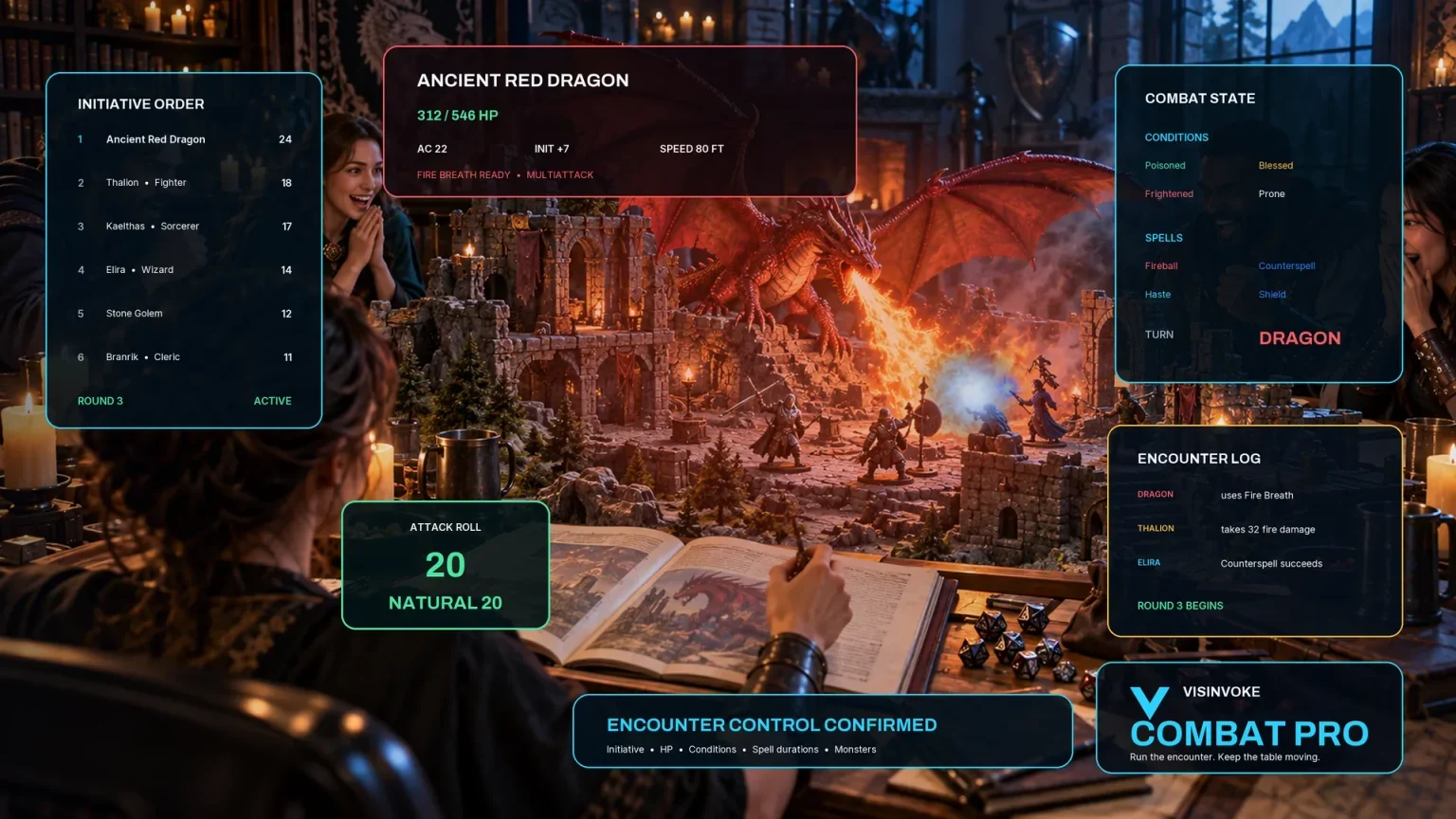
Review prepared opposition, tune creature statistics and run tabletop encounters with its own access.

Create focused character, monster, item and location images to complement your tabletop preparation.

Create guided commercial visuals for websites, brochures and wider creative projects.

Explore a separate futuristic RPG experience with its own world, characters and progression.
Product artwork illustrates fantasy afflictions and recovery, not application screens or actual generated image output.
Quick answers
Understand the authored framework, account records and optional prepared reference before opening the tool.
It provides a fantasy dossier built from shared authored material. Type and many controls supply labels and context; severity changes stage count and mechanical intensity changes guidance. Names and stage signs vary, but much diagnosis, treatment and cure text is shared, including oath-related themes across affliction types. Adapt the draft to your setting. It does not simulate infection, apply conditions, roll cures or provide medical advice.
Quick exposes type and severity while retaining your current Deep settings. Both modes produce the same complete dossier. Deep lets you review onset, progression, contagion, trigger, targets, symptom style, mechanical intensity, treatment, cure, loophole, relapse, private cause and binding flags. Presets update selected fields rather than resetting the whole form; review retained flags and settings before generating.
Locks prevent the corresponding scoped reroll. Generate another affliction replaces the full result regardless of locks. A scoped reroll merges selected sections and refreshes the player brief from a newly generated draft, without reconciling every retained section. Check names, parameters, stages and audience text together. Results also depend on controls and the generation step; the visible seed alone does not repeat a result.
Manual Save uses your signed-in DCC account and required access. The record keeps its current dossier, notes and tags, with up to ten prior result snapshots when the same identity is saved again. Earlier notes and tags are not separately versioned. Open restores a result with the record’s current notes and tags while retaining the form and generation step. Account storage is bounded and needs a working session and connection; there is no autosave or offline-save guarantee.
The generated brief separates observable signs and leads from explicit DM truth. Edited or refined material still needs your audience review: linked text may differ, and validation checks required structure, flags and specified terms rather than understanding every disclosure or contradiction. Copy or download the selected view as JSON. For printing, select the player brief and check print preview; the full DM dossier is hidden by print styling. There is no import control.
Only your chosen eligible stage or exposure reference: one inactive prepared rule, one disabled DM prompt and its encounter objective. It does not transfer the full affliction, specific stage mechanics, targets, progression, contagion, diagnosis, cure or DM secrets, and it does not activate live effects. Combat PRO ownership, an available standard prepared slot and plan capacity are required. Repeating the same saved identity and reference is treated as a duplicate rather than updating the existing reference.
Continue in VISINVOKE
Create a free VISINVOKE account and choose the required generator access.
Get Desktop Command Centre from your account installer page. Sign in on Windows, then open Curse & Affliction Generator.